
Guide
Go to the Settings tab to change your public URL (slug) for a shell: type a new one, availability is checked live, then Save URL.
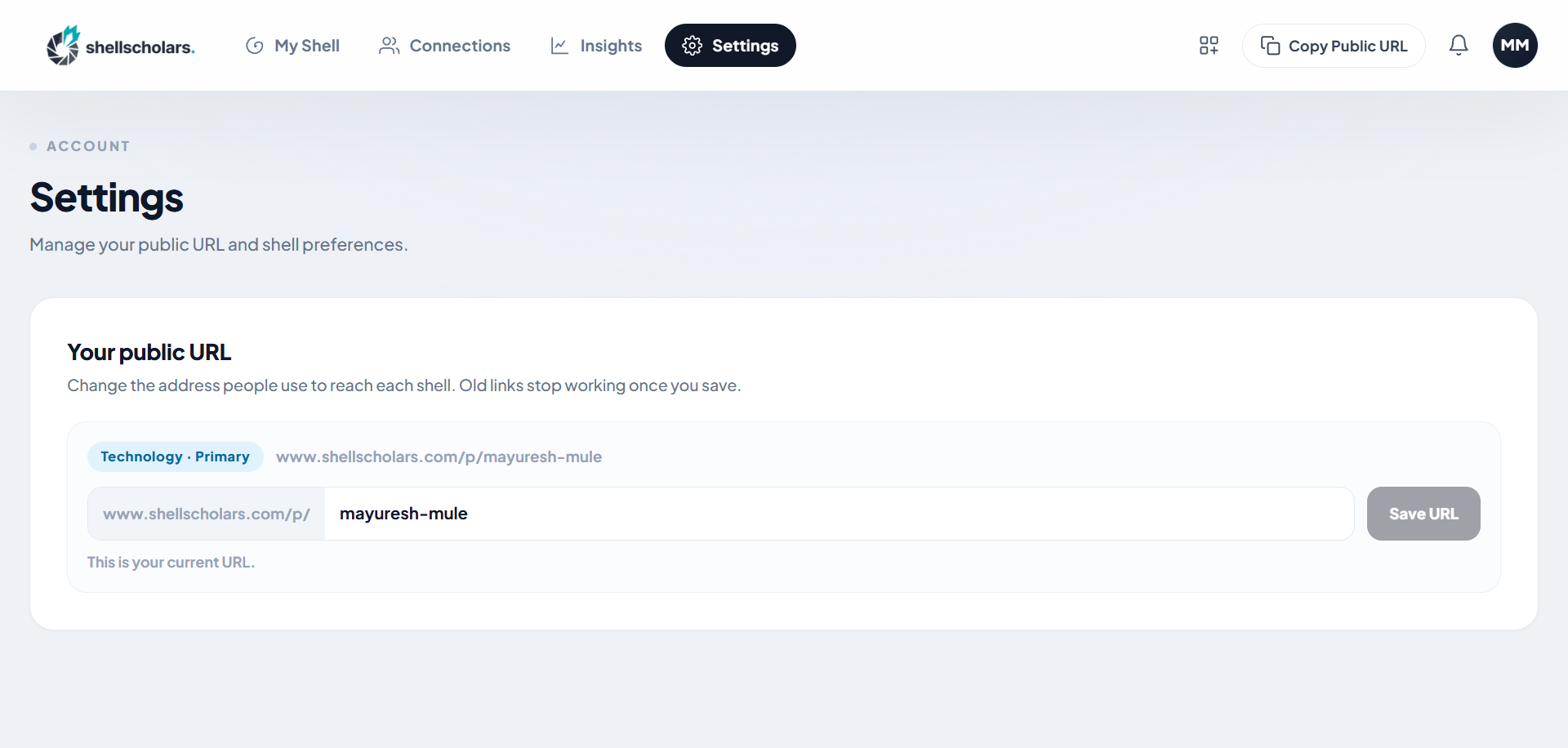
Changing your slug changes your public URL immediately. Update any links you've already shared once the new one is saved.