
Guide
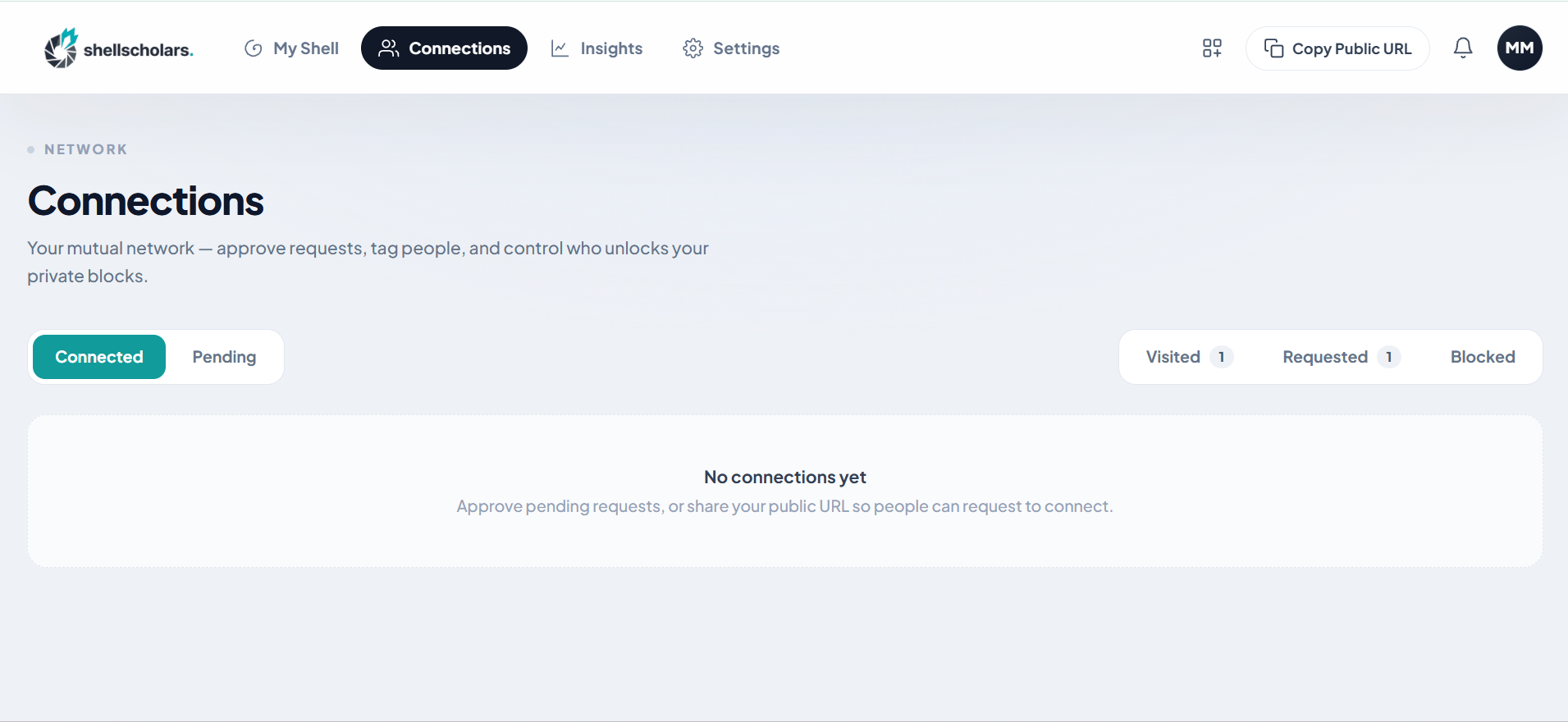
Go to the Connections tab: Connected, Pending, Requested, Visited, Blocked.
As a visitor
When you hit a private block you don't have access to, you'll see a locked placeholder with a Request to connect button. Clicking it:
- Prompts you to sign in (Google or email) if you aren't already, then
- Sends a connection request to the shell's owner, with an optional note.
As the shell owner
In the Pending tab, for each incoming request you can:
- Approve. You'll be asked to assign the requester to a group/tag (for example, "Recruiters"), which determines which of your Private blocks they can see. You can create a new tag on the spot.
- Reject. Decline the request.
- Block. Decline and prevent that person from requesting again until you unblock them.
For any existing connection you can Change tags, Remove (revokes private access), or Block. If you run multiple shells, you can also control per-connection whether their access applies to all your shells or only specific ones.
Tags are the whole mechanism behind Private visibility: a block set to Private isn't shared with "connections" in general, it's shared with a specific tag you choose.