
Guide
Go to My shells (top nav icon, or the ☰ menu on mobile).
- Every shell you own is listed as a card: job family, public URL, block counts (total/public/private), and creation date. Your Primary shell is flagged; it's the one that opens when you log in or tap "My Shell."
- Edit opens that shell's builder; View opens its public page.
- Make primary switches which shell is your default.
- Delete removes a shell permanently (disabled for your only shell or your primary shell); you'll be asked to confirm, since all its blocks are lost for good.
- New shell starts onboarding again for an additional shell.
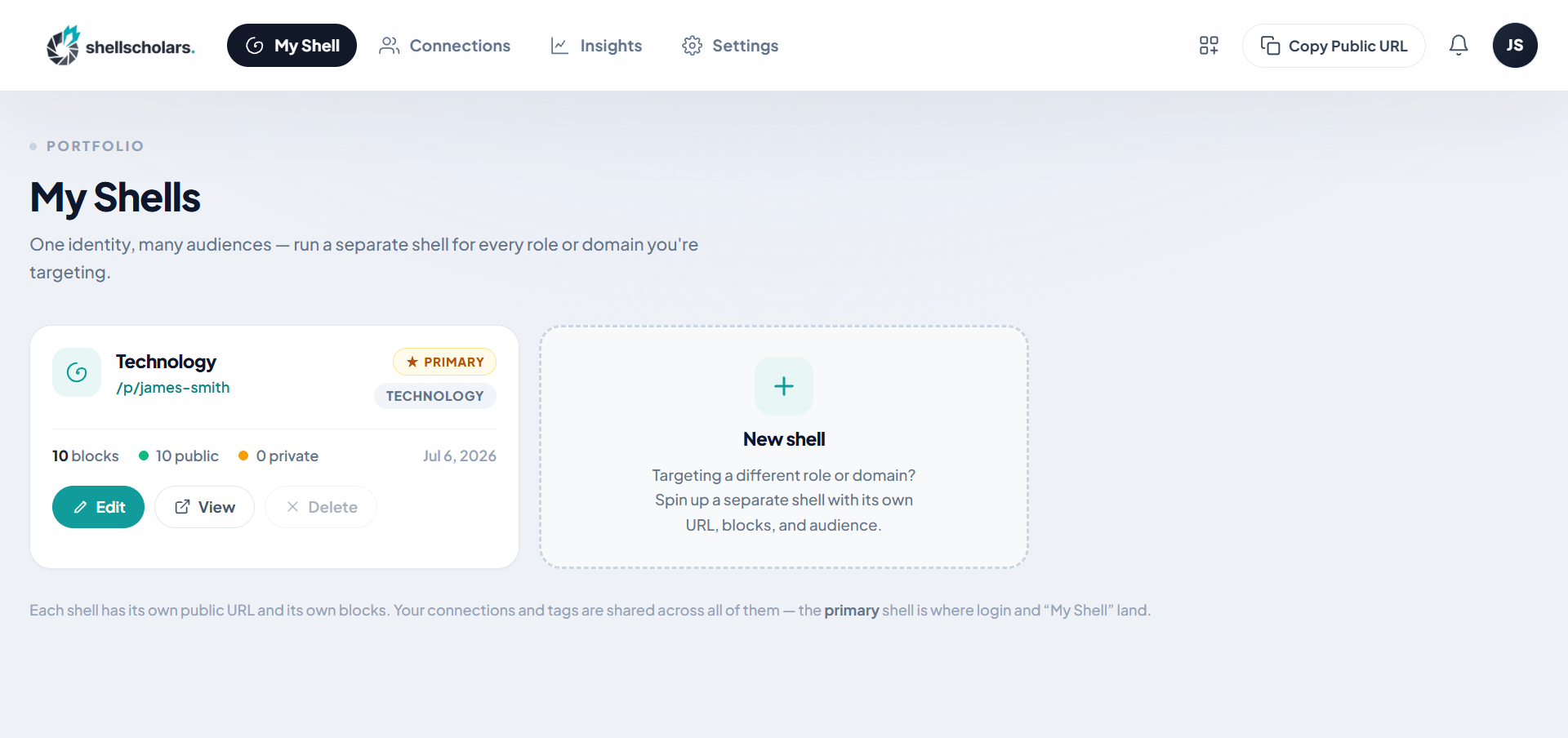
Your connections and tags are shared across every shell you own; only the blocks and content are separate per shell.