
Guide
Two ways in, no password
- Go to the ShellScholars home page and click Claim your shell (or Login if you already have an account).
- On the login screen, pick one of two ways in:
- Continue with Google. One click, via Google sign-in.
- Email. Enter your email and click Send verification link. A magic link arrives by email; opening it signs you in, and creates your account automatically if you're new.
- First-time sign-ins are routed straight into onboarding. Returning users land on their shell editor.
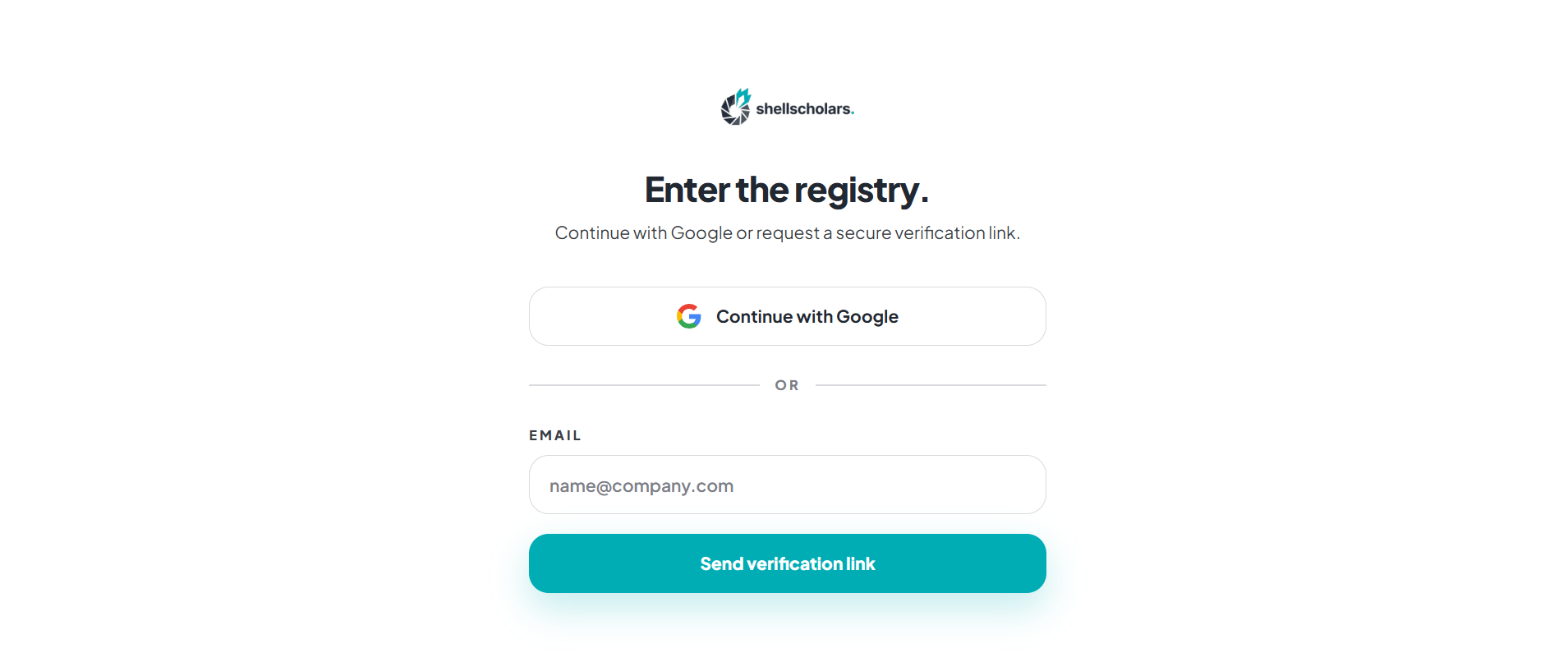
Passwordless by design: there is nothing to reset, forget, or leak. Google sign-in and the email link are the only two options, and both create your account automatically on first use.