
Guide
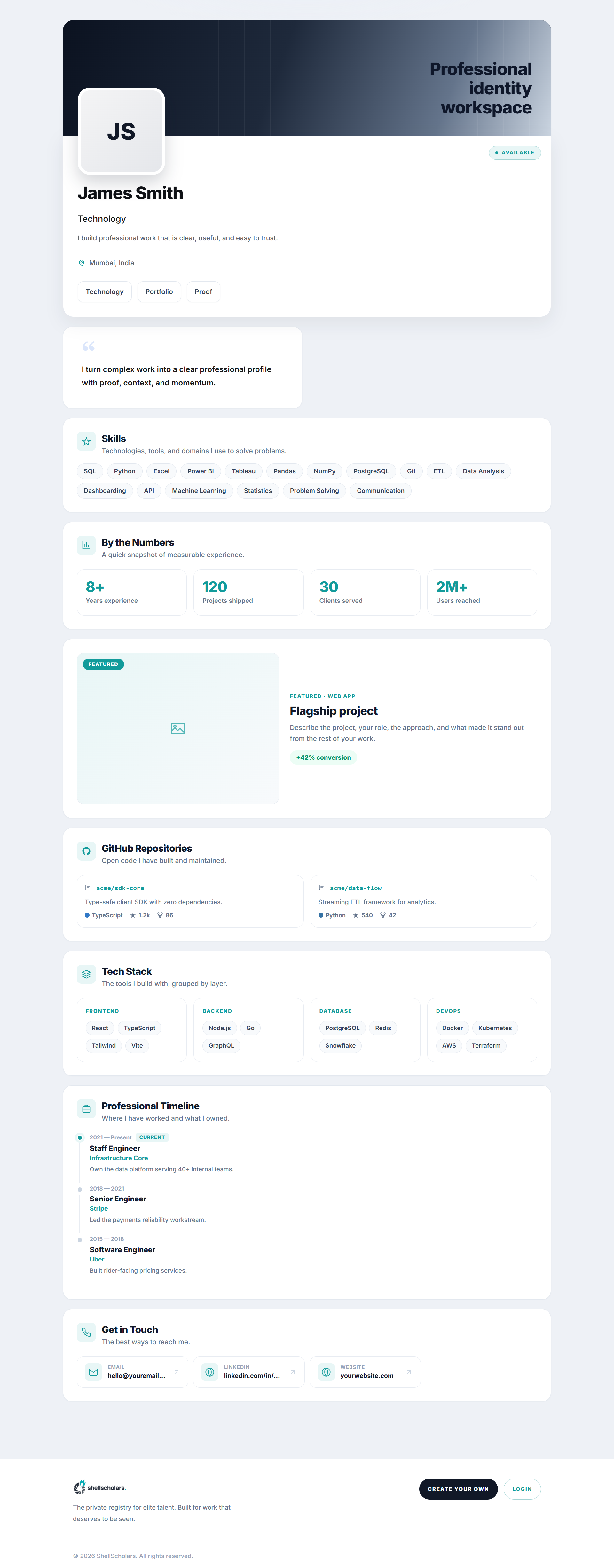
Your shell lives at shellscholars.com/p/your-slug. What a visitor sees depends on who they are:
- Anyone sees every Public block.
- Approved connections additionally see the Private blocks their tag is entitled to.
- You (signed in) always see everything, plus a "back to my editor" bar instead of the public footer.
- Non-connected, non-owner visitors see a sticky Request to connect bar (or "Request sent" once they've asked).
The ?edit trick
Append ?edit to your own live URL (shellscholars.com/p/your-slug?edit) from any device you're signed in on, and the page turns into the editor in place, no separate dashboard to hunt for. If someone who isn't the owner tries this, they're shown a sign-in prompt instead and can't enter edit mode.
Bookmark shellscholars.com/p/your-slug?edit instead of a separate dashboard link. It always drops you straight into the editor when you're signed in.